Enterprise UI/UX Design: Building Intuitive Dashboards with Native Arabic RTL Support
How thoughtful design choices reduce operational mistakes, speed up data entry, and respect natural Arabic reading rhythms.
Momayaz Team(UI/UX & Product Design)
1 min read
Key Operational Principle
“How thoughtful design choices reduce operational mistakes, speed up data entry, and respect natural Arabic reading rhythms.”
Enterprise software does not need to feel clunky and intimidating. When enterprise tools adopt consumer-grade UX standards, employee training times plummet and everyday data entry errors decrease drastically.
1. Visual Hierarchy in High-Density Dashboards
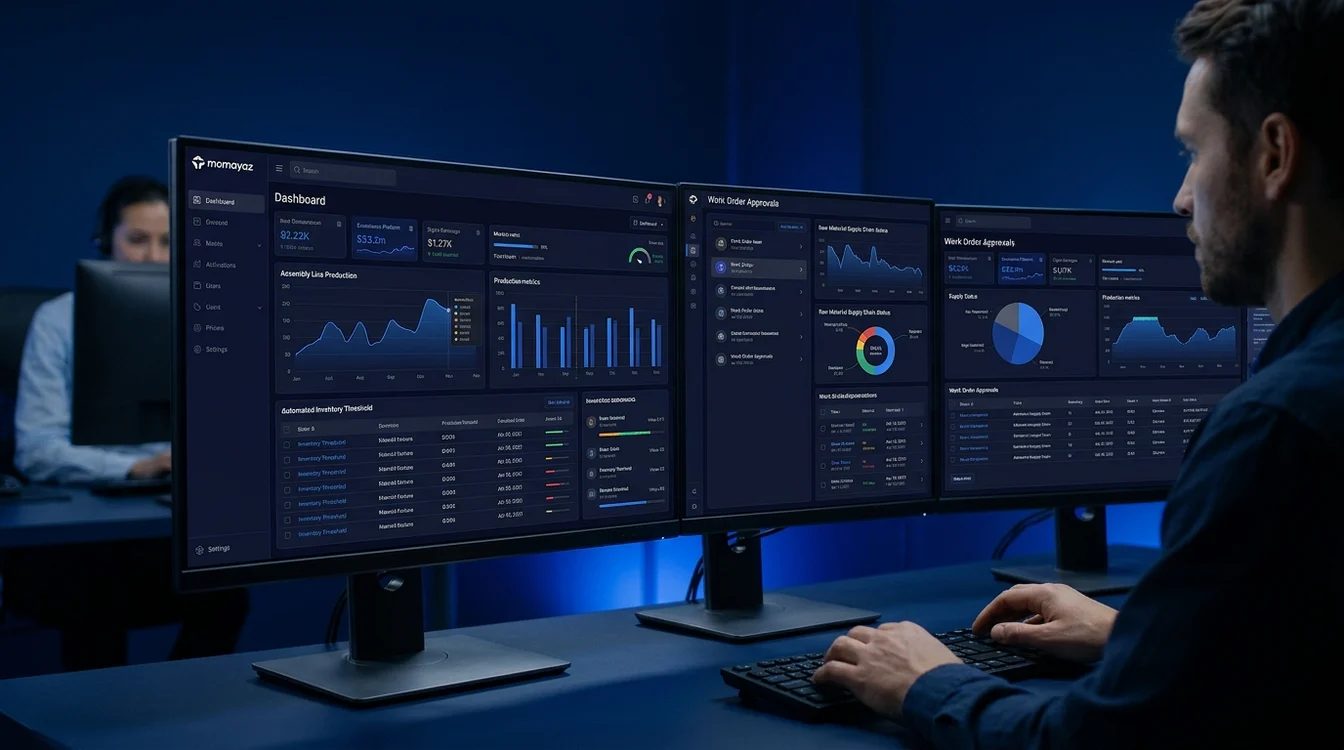
Administrative software must often present dozens of data metrics simultaneously. Effective design uses structured typographic scales, subtle contrast boundaries, and grouped data tables rather than loud colors, allowing managers to scan key numbers within seconds.
2. Respecting Arabic RTL Reading Behavior
Arabic users scan interfaces from right to left in a natural F-shaped or Z-shaped pattern. Proper RTL design involves more than simply flipping layout columns; it requires re-evaluating data progression, status indicators, and form field sequencing to feel authentic and natural.
3. Prevention Over Correction in Form Workflows
Data entry forms are where human errors frequently occur. Implementing intelligent inline validations, clear auto-complete selectors, and unambiguous confirmation modals prevents irreversible data errors before they hit database records.