
Complex workflows where users get lost or make frequent errors
We break dense flows into clear stages, provide contextual summaries, and validate inputs before costly actions are committed.

Scope & delivery
Clear, task-oriented interfaces for complex software, administrative tools, and operational workflows. We make the next step obvious for real users on every device.
Discuss a Product Interface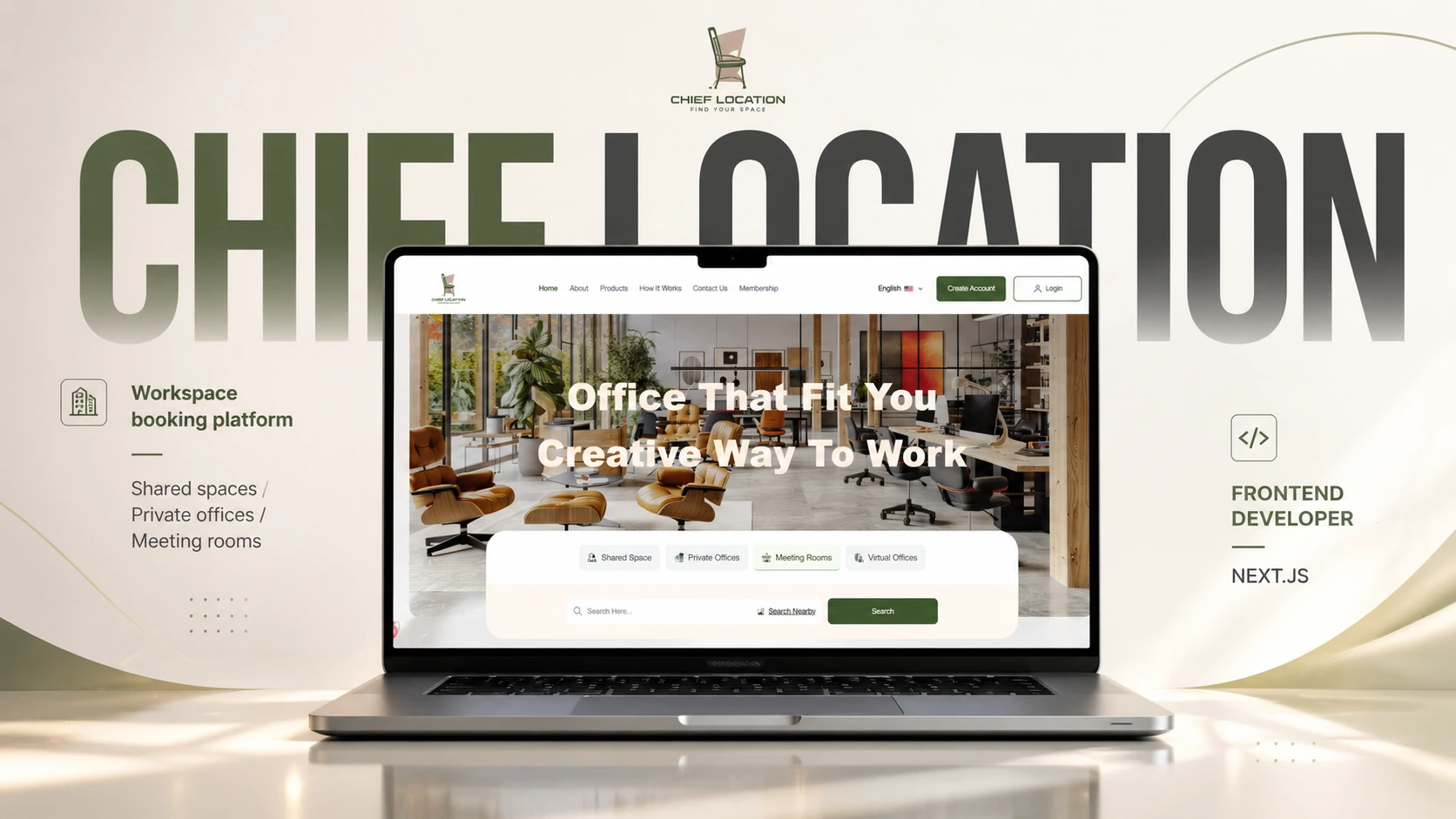
Selected client work · Chief Location
We break dense flows into clear stages, provide contextual summaries, and validate inputs before costly actions are committed.
We structure visual priority so daily priorities and bottlenecks are immediately apparent, rather than buried in decorative charts.
We establish unified design tokens, optical spacing, and typographic scales crafted specifically for balanced bilingual presentation.
Information architecture that highlights critical operational numbers, recent actions, and pending approvals without visual clutter.
Purpose-built screens tailored to specific user responsibilities—giving managers, supervisors, and operators exactly the controls they need.
Clear multi-step forms, searchable dropdowns, inline validations, and responsive table filters for data-heavy tasks.
Natural RTL reading order, tailored typography metrics, and direction-aware iconography that treat Arabic as a first-class language.
Intuitive self-service journeys that guide customers smoothly from search and selection to confirmation and account management.
Understand user roles, daily tasks, screen constraints, and the key decisions users must make.
Map user actions, required inputs, and error states from initial entry to task completion.
Establish screen layouts, data grids, navigation bars, and interaction touchpoints.
Design typography, contrast, form controls, and icons optimized for both RTL and LTR reading.
Build clickable prototypes to evaluate real workflows and edge cases before frontend code begins.
Work directly with frontend engineers to review component states, keyboard accessibility, and production UI fidelity.
A workspace booking frontend for shared spaces, private offices, and meeting rooms.
Frontend development
Chief LocationOur UI/UX design service covers user task analysis, screen flow mapping, information architecture, wireframing, high-fidelity responsive interface design, bilingual design systems, and clickable prototypes in Figma.
Arabic interfaces require thoughtful visual hierarchy, optical spacing, and typography scales—not simple automatic mirroring. We design layouts that feel natural and authentic to Arabic-speaking users while maintaining brand harmony in English.
Yes. We create clickable, interactive prototypes for key user flows. This allows your team to test real scenarios, validate task completion, and finalize decisions before frontend engineering begins, reducing costly mid-development changes.
We provide comprehensive design systems including typography scales, spacing tokens, form states (hover, focus, error, loading), and component specifications ready for clean implementation in modern frontend frameworks.